
What it finds
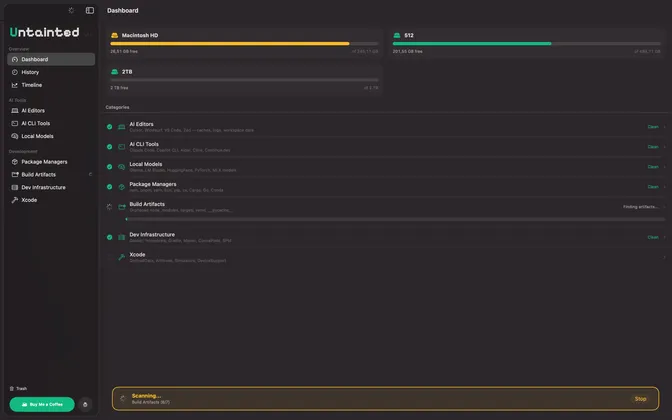
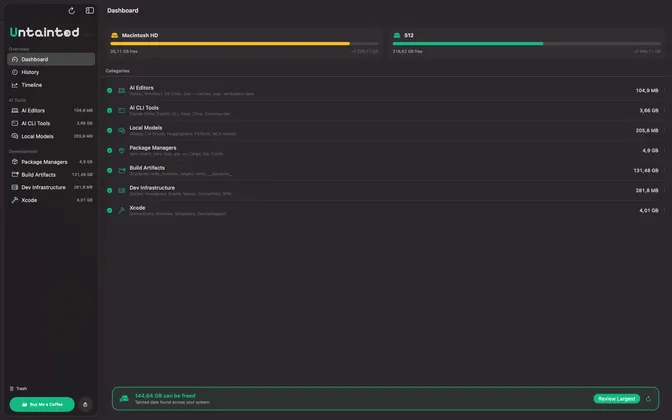
7 categories of developer disk bloat, automatically detected.
AI Editor Caches
Cursor, Windsurf, VS Code, Zed
Local AI Models
Ollama, LM Studio, HuggingFace, PyTorch, MLX
AI CLI Tools
Claude Code, GitHub Copilot CLI, Aider, Cline
Package Manager Caches
npm, pip, yarn, cargo, go, conda, bun
Build Artifacts
node_modules, __pycache__, venv, target/
Dev Infrastructure
Docker, Homebrew, Gradle, Maven, CocoaPods
Xcode
DerivedData, archives, simulator runtimes
How it works
Three steps to a cleaner disk.
Scan
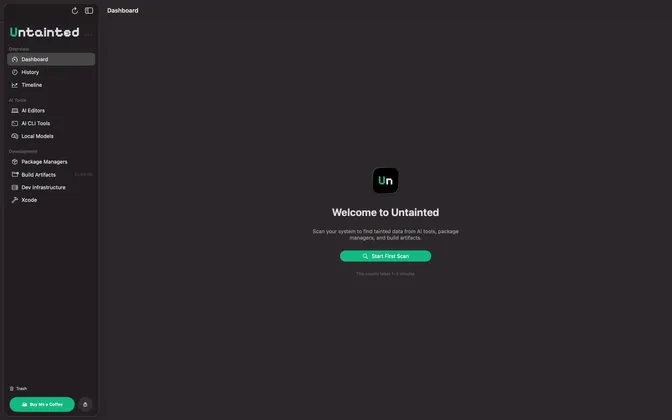
Parallel disk analysis finds space-hogging files across all known developer tool locations.
Review
Every item is classified by safety level so you know exactly what you're removing.
Clean
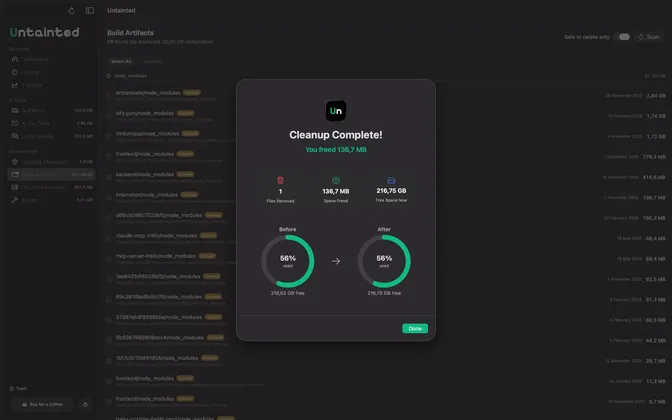
One-click removal. Files go to Trash — nothing is permanently deleted.
Features
Menu Bar App
Quick access from your menu bar without switching context.
Desktop Widget
WidgetKit-powered widget shows disk usage at a glance.
Siri Shortcuts
Trigger scans and cleanups with voice commands.
Scheduled Scans
Set it and forget it. Automatic scans on your schedule.
Deletion History
Full log of everything you've cleaned, searchable and sortable.
Free & Private
No analytics. No tracking. No subscriptions. Just a clean disk.
Screenshots
Support
Have a question, found a bug, or need help? We're here for you.
Reach out to us at hello@meza.agency — we typically respond within 24 hours.
Contact SupportFrequently Asked Questions
How do I grant Untainted access to scan my files?
On first launch, Untainted asks you to select folders to scan. For best results, select your home folder (/Users/yourname). You can add or remove folders anytime in Settings → Permissions.
Is it safe to delete the files Untainted finds?
Yes. Untainted classifies every item by safety level. All deletions go to Trash first, so you can always restore files if needed. Untainted never deletes system files or active project data.
Where do deleted files go?
All files are moved to macOS Trash. Nothing is permanently deleted — you can restore anything from Trash until you empty it.
Is Untainted really free? What is "Buy Me a Coffee"?
Untainted is completely free with no subscriptions, ads, or locked features. "Buy Me a Coffee" is an optional one-time tip to support the developer.
What macOS version is required?
Untainted requires macOS 15 (Sequoia) or later.
Does Untainted collect any data?
No. Untainted works entirely on your device. No data is collected, transmitted, or shared. See our Privacy Policy for details.